
Average Grade Calculator – Find Your Scores Fast and Easy
The formula used by this average grade calculator:
Average = Sum of All Scores ÷ Number of ScoresFor example, scores of 80, 90, and 70 add up to 240. Dividing by 3 gives an average of 80%.
Other Tools for Average Grade Planning
Students often want to know how well they are doing in class. Teachers also need a quick way to check scores. Parents may want to track school progress at home. An Average Grade Calculator helps with all of these tasks in a simple way. It saves time and helps users avoid mistakes when adding numbers by hand.
Many students try to calculate grades on paper and get confused during the process. Some forget numbers. Others divide the total the wrong way. This tool makes the process easier. You enter your grades, and the calculator gives the average in seconds.
This page explains how an Average Grade Calculator works, why students use it, and how to calculate grades step by step. You will also learn the difference between average grades and GPA, common mistakes students make, and ways to improve scores over time.
What Is an Average Grade Calculator?
An Average Grade Calculator is a tool that finds the average score from different grades or marks. Students use it to check class performance, homework scores, test results, quiz marks, and semester progress.
The calculator works by adding all grades together and dividing the total by the number of grades entered. The result is the average grade.
For example, if a student gets these marks:
The calculator adds the scores:
80 + 90 + 70 = 240
Then it divides the result by 3:
240 ÷ 3 = 80
The average grade is 80.
This process sounds simple, but many students make small errors when doing it manually. A calculator helps avoid those mistakes and gives quick results.
Why Students Use an Average Grade Calculator
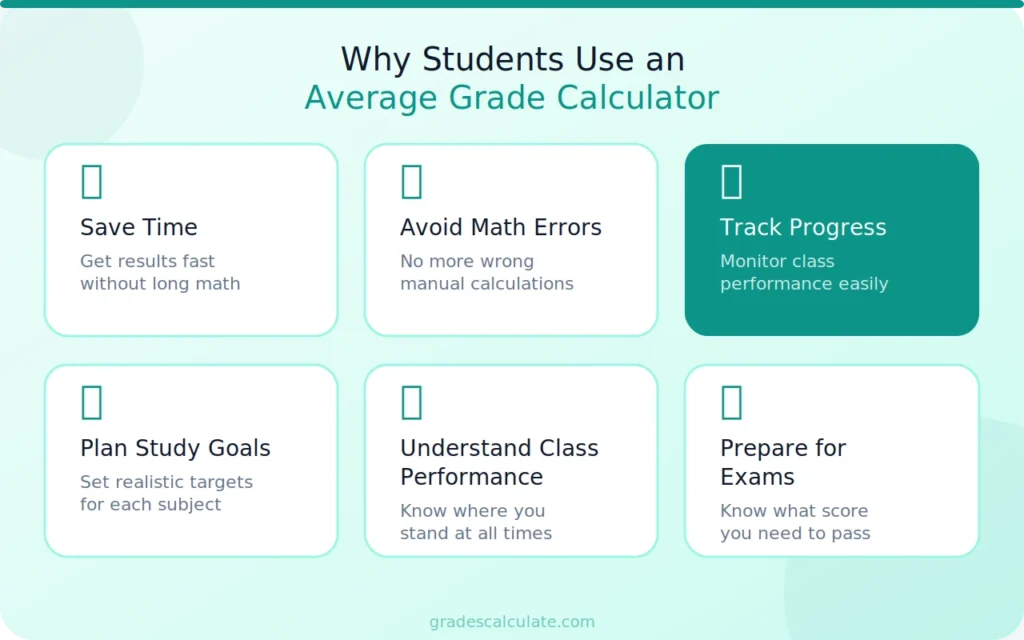
Students use this tool because it makes grade calculation easier. School work already takes time, so many students prefer a faster way to check scores.
An Average Grade Calculator helps students:
Teachers also use grade calculators during grading periods. Parents may use them to monitor a child’s school results at home.
Another reason students like this tool is that it works for many subjects. It can be used for math, science, English, history, and other classes.
How Does an Average Grade Calculator Work?
The calculator follows a simple math process. It collects all entered grades and finds the average.
The steps are:
- Add all grades together.
- Count how many grades there are.
- Divide the total by the number of grades.
The final answer is the average score.
For example, a student enters these grades:
Step 1:
75 + 85 + 90 + 80 = 330
Step 2:
There are 4 grades.
Step 3:
330 ÷ 4 = 82.5
The average grade is 82.5.
The calculator does all of this automatically. Users only need to enter their scores.
Formula Used to Calculate Average Grade
The formula for average grade is simple.
Average Grade=Sum of All GradesNumber of Grades\text{Average Grade} = \frac{\text{Sum of All Grades}}{\text{Number of Grades}}Average Grade=Number of GradesSum of All Grades
This formula is used in schools, colleges, and online learning systems. It works for tests, assignments, quizzes, and homework scores.
Students can also use this formula without a calculator if they want to practice basic math skills.
How to Calculate Average Grade Manually
Some students like to understand the full process before using a calculator. Manual calculation helps students learn how averages work.
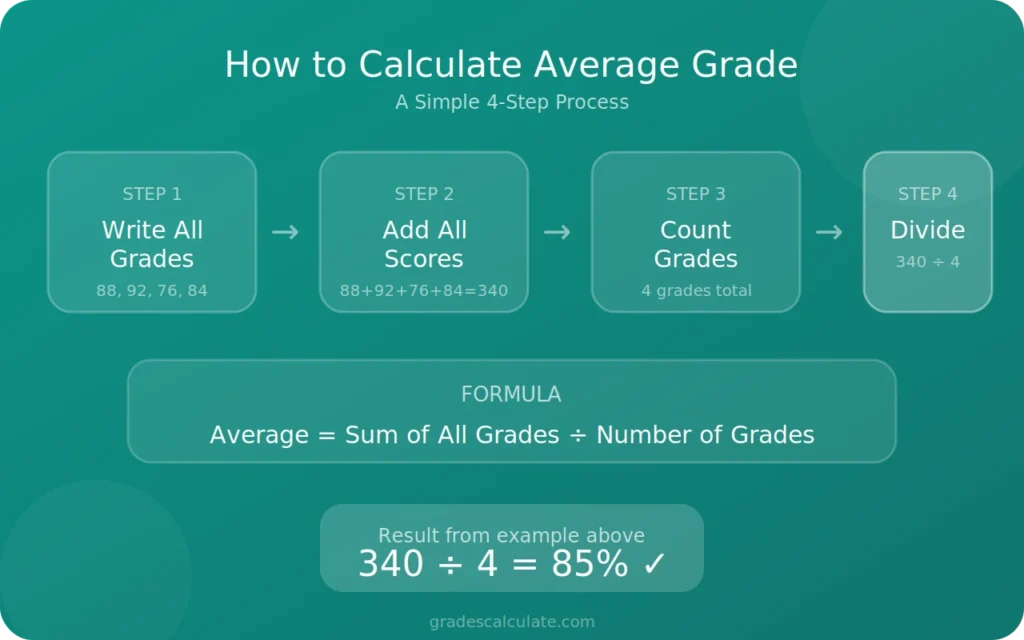
Follow these steps:
Step 1: Write All Grades
Make a list of every score.
Example:
- 88
- 92
- 76
- 84
Step 2: Add the Scores
88 + 92 + 76 + 84 = 340
Step 3: Count the Grades
There are 4 grades.
Step 4: Divide the Tota
340 ÷ 4 = 85
The average grade is 85.
This method works for small and large sets of grades.
Example of Average Grade Calculation
Here is another example to make the process easier to understand.
A student has these quiz scores:
- 65
- 70
- 75
- 80
- 90
First, add the numbers:
65 + 70 + 75 + 80 + 90 = 380
Next, count the grades:
There are 5 grades.
Now divide:
380 ÷ 5 = 76
The final average grade is 76.
Students can use the same steps for homework, projects, and semester marks.
Average Grade vs GPA
Many students think average grade and GPA are the same thing, but they are different.
An average grade is usually shown as a number or percentage. GPA uses a point scale.
For example:
- Average Grade: 85%
- GPA: 3.5
Schools may use different GPA systems. Some use a 4.0 scale, while others use different formats.
An Average Grade Calculator finds the average score from grades. A GPA calculator converts grades into grade points.
Students should check which system their school uses before calculating results.
Related Grade Calculators
Students often use different grade tools during the school year. If you want to calculate final exam results, try our Final Grade Calculator. You can also use the GPA Calculator to check grade points for college or semester performance. For weighted classes, the Weighted Grade Calculator helps students calculate scores with extra credit or advanced course values. Students who want quick test score results can also use the Test Grade Calculator.
Benefits of Using an Average Grade Calculator
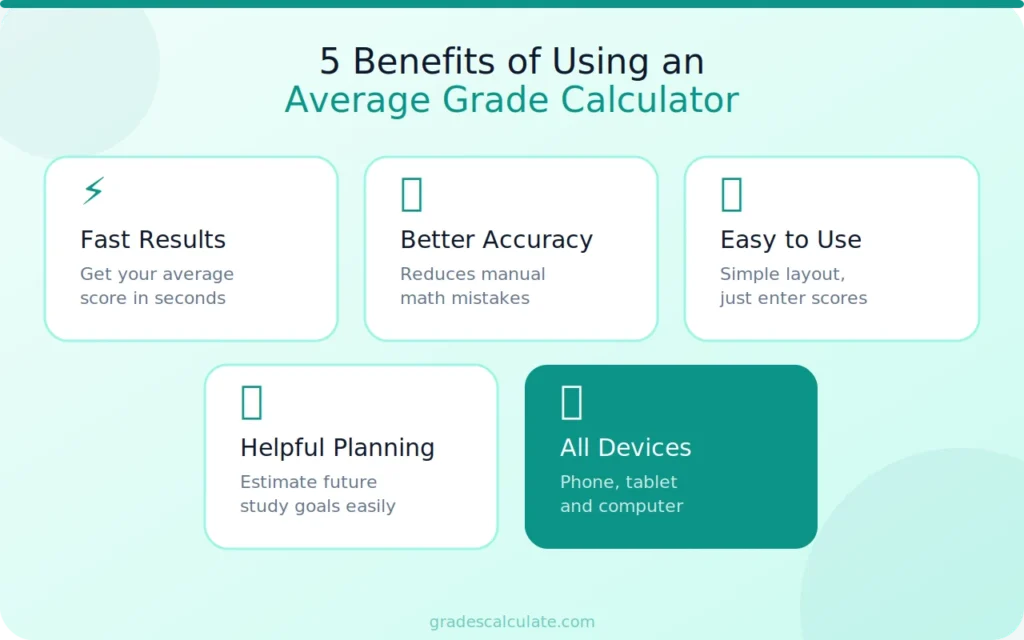
This tool offers several useful benefits for students and teachers.
Fast Results
Manual calculations can take time. The calculator gives answers quickly.
Better Accuracy
Small math mistakes can change the final result. The calculator reduces those errors.
Easy to Use
Most grade calculators have a simple layout. Students only enter numbers and get results.
Helpful for Planning
Students can estimate future grades and study goals.
Works on Different Devices
Most online calculators work on phones, tablets, and computers.
These benefits make the tool useful for daily school work.
When Should Students Use This Tool?
Students can use an Average Grade Calculator in many situations.
It helps during:
- Homework tracking
- Quiz review
- Midterm preparation
- Final exam planning
- Semester grading
- Report card checks
Some students use it every week to follow class progress. Others use it before final exams to see what score they need.
Teachers may also use grade calculators when preparing reports for students.
Common Mistakes When Calculating Grades
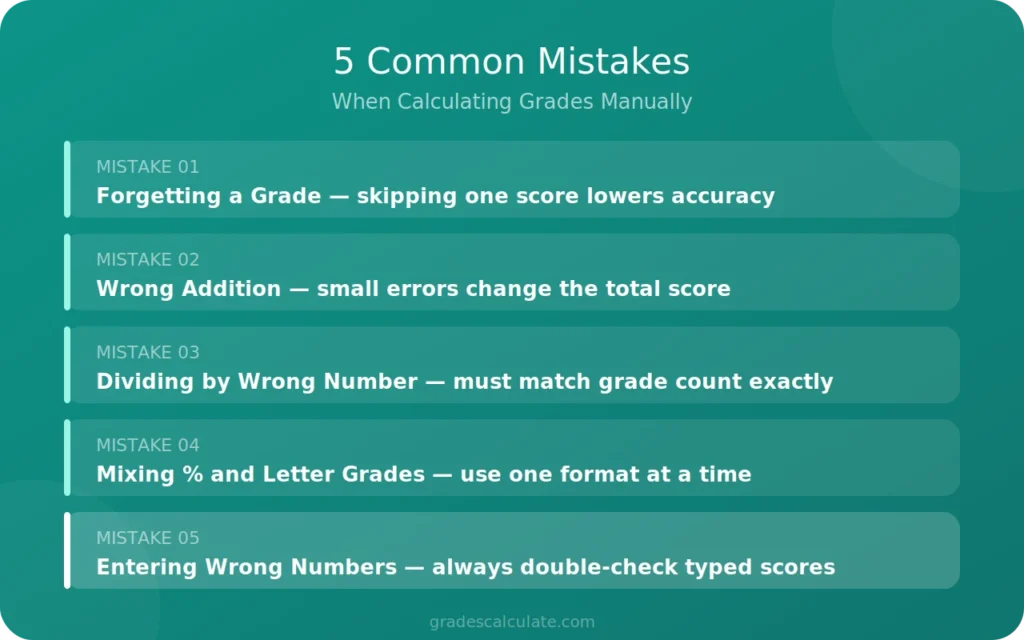
Students sometimes make errors during grade calculations. These mistakes can change the final answer.
Forgetting a Grade
Some students skip one assignment or test score. This lowers accuracy.
Wrong Addition
Adding numbers incorrectly changes the total score.
Dividing by the Wrong Number
Students must divide by the number of grades entered. Using the wrong count gives a false average.
Mixing Percentage and Letter Grades
Averages work best when grades use the same format.
Entering Wrong Numbers
Typing mistakes can affect the result.
An Average Grade Calculator helps reduce these common problems.
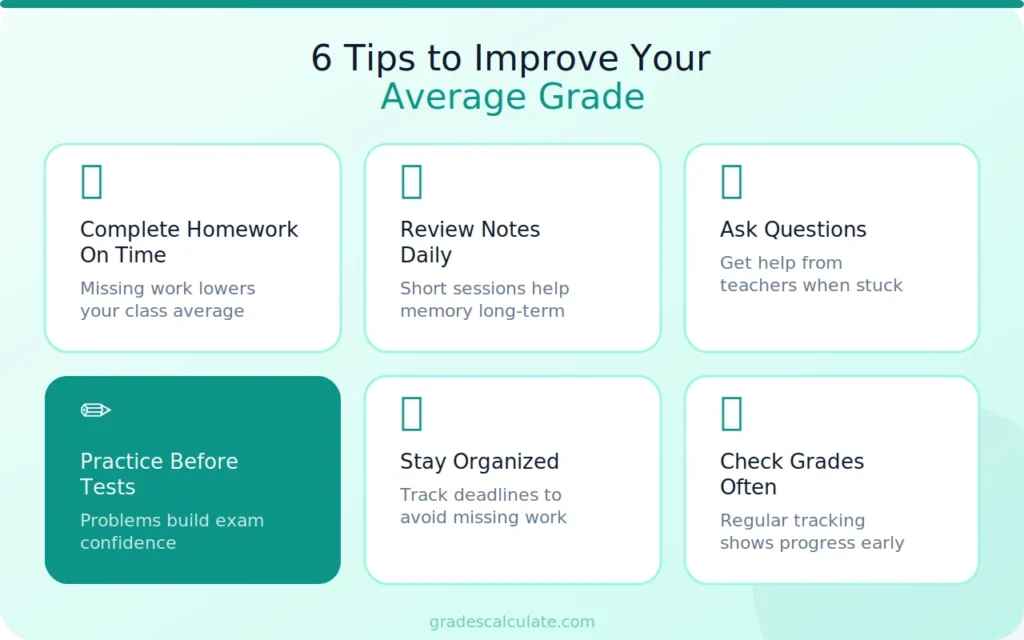
Tips to Improve Your Average Grade
Students who want better grades can follow simple study habits.
Complete Homework on Time
Missing homework can lower class averages.
Review Notes Daily
Short study sessions help students remember lessons better.
Ask Questions
Students should ask teachers for help when topics feel confusing.
Practice Before Tests
Practice problems help students feel ready for exams.
Stay Organized
Keeping track of assignments helps students avoid missing work.
Check Grades Often
Using a calculator regularly helps students understand progress early.
Small improvements over time can raise average scores.
Who Can Use an Average Grade Calculator?
This tool is useful for many people.
School Students
Elementary and high school students use it to track class scores.
College Students
College courses often include quizzes, projects, and exams. A calculator helps manage all grades.
Teachers
Teachers can use the tool during grading periods.
Parents
Parents may check school progress at home with their children.
Online Learners
Students taking online courses can also use grade calculators.
The tool works for many learning systems and subjects.
Subjects Where Grade Calculators Are Helpful
An Average Grade Calculator can be used for almost every subject.
Examples include:
- Math
- Science
- English
- History
- Geography
- Computer studies
- Business courses
- Language classes
Students only need grades from assignments, quizzes, or exams.
Online Grade Calculators vs Manual Calculation
Both methods can find averages, but online calculators are faster.
Manual calculation helps students learn the formula, but it may take more time. Online tools reduce effort and improve speed.
Some students still prefer checking answers manually before using a calculator. This can help build confidence in math skills.
Online calculators are helpful during busy school weeks when students have many assignments and tests.
How Teachers Use Average Grade Calculators
Teachers often work with many student grades at the same time. A calculator helps them save time during grading periods.
Teachers may use the tool to:
- Calculate class averages
- Review student progress
- Prepare report cards
- Check assignment results
- Compare test performance
Some teachers also use average scores to understand which lessons need more review in class.
Why Accurate Grade Calculation Matters
Correct grade calculation is important for students because school results affect future goals.
Grades can impact:
- Class ranking
- Scholarships
- College applications
- Academic awards
- Course placement
Even a small math mistake can change the final result. That is why many students prefer using an Average Grade Calculator instead of calculating large sets of grades manually.
How Average Grades Help Students Stay Motivated
Tracking grades can help students stay focused in school.
When students see progress, they often feel more motivated to continue studying. A calculator gives quick feedback and helps students understand where improvement is needed.
For example, a student may notice low quiz scores but strong homework grades. This helps identify areas that need more practice.
Regular tracking also helps students set realistic study goals.
Features to Look for in an Average Grade Calculator
Different calculators offer different features. Some tools are very basic, while others include extra options.
Useful features include:
- Simple layout
- Fast calculation
- Mobile support
- Percentage conversion
- Multiple grade fields
- Instant results
A clean design also helps students use the tool more easily.
Can Average Grade Calculators Be Trusted?
Most online calculators are reliable if the entered numbers are correct.
The calculator only follows the math formula. If students enter accurate grades, the final answer should also be accurate.
Students should still double-check entered numbers before calculating results.
More Grade Tools for Students
Different school systems use different grading methods. Some students need help calculating semester scores, while others want GPA results or weighted averages. Our grade calculator tools help students track marks, understand performance, and prepare for exams more easily. Using the right calculator can save time and reduce grading mistakes during the school year.
Conclusion
An Average Grade Calculator is a simple tool that helps students find their average scores quickly. It reduces math mistakes, saves time, and helps users track school progress more easily.
Students can use this tool for quizzes, tests, homework, projects, and semester grades. Teachers and parents may also use it to monitor academic performance.
Understanding average grades helps students stay organized and prepare for future goals. Whether you are checking one subject or many classes, a calculator makes the process faster and easier.